
WindowFrame
Use this when
Section titled “Use this when”WindowFrame is for drawing a themed title area and returning typed window operations while the application keeps its native window and event loop.
Gallery capture
Section titled “Gallery capture”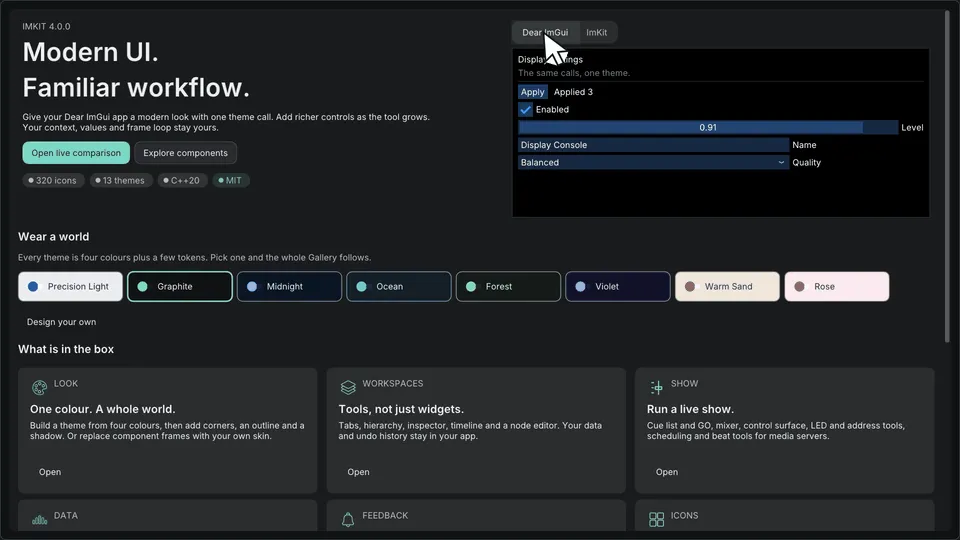
Gallery overview — application shell and content · Open the native Gallery animation
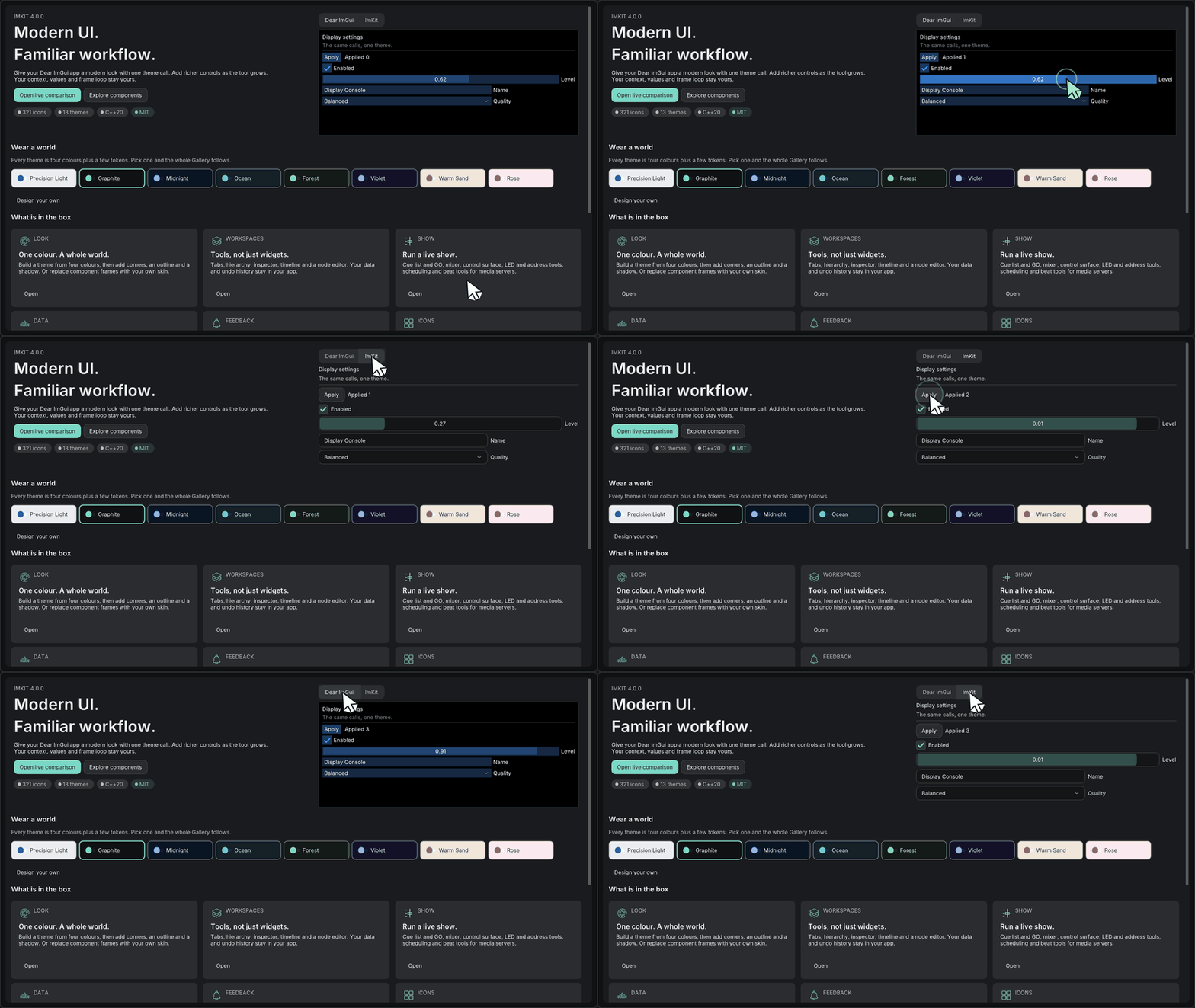
Minimum drawing example
Section titled “Minimum drawing example”#include <imkit/window_frame.h>
imkit::WindowFrameResult DrawTitleArea(const imkit::Theme& theme, const imkit::WindowFrameContent& content, float widthPixels) { const auto style = imkit::MakeWindowFrameStyle( imkit::WindowFramePreset::Workspace, theme); const auto layout = imkit::LayoutWindowFrame(widthPixels, style); return imkit::DrawWindowFrame(style, content, layout);}Example type: Complete function example. The host supplies the current Theme, borrowed content and window width, then applies the returned operation.
Integrate with the application
Section titled “Integrate with the application”The optional Win32 and macOS targets adapt native title-bar interaction; core drawing has no native-window ownership.
Icon atlases and GPU textures are also application resources; the library does not create platform windows or upload textures.
Related API and guides
Section titled “Related API and guides”imkit/window_frame.h is a cross-platform, value-based drawing and layout API. It enables custom title bars and non-client frame decorations aligned with the ImKit design system.
Overview
Section titled “Overview”The host owns the Dear ImGui context, backend, renderer, fonts, theme, application window, selected preset, edited style, and persistence.
MakeWindowFrameStyle(preset, theme) returns an independent copy; modifying the Theme later never mutates an existing frame style. Applications can directly edit every returned color, metric, and feature flag.
| Preset | Purpose and default behavior |
|---|---|
Native |
Zero-height layout; no custom non-client drawing (uses OS-native title bar) |
Studio |
Compact production-tool title, app icon, and three standard caption operations |
Workspace |
Application name, project name, unsaved state indicator, and workspace switcher |
Tool |
Short utility-window title and close operation |
Usage and code example
Section titled “Usage and code example”Layout and draw inside the host-started Dear ImGui frame, then apply returned operations (minimize, maximize, close, etc.) to the native OS window.
#include <imkit/imkit.h>#include <imkit/window_frame.h>
// 1. Generate style (customize as needed)auto style = imkit::MakeWindowFrameStyle(imkit::WindowFramePreset::Workspace, currentTheme);style.metrics.height = 38.0f;style.features.workspaceSwitcher = true;
// 2. Prepare content view (borrowed references must stay valid through draw)const std::string_view workspaces[] = {"Edit", "Color", "Deliver"};imkit::WindowFrameContent content{    "My App",            // Application title    "Project A",         // Project title    true,                // Unsaved changes indicator    workspaces,          // Available workspace names    selectedWorkspace    // Selected workspace index};
// 3. Obtain platform state and calculate layoutauto state = platformAdapter.State();auto layout = imkit::LayoutWindowFrame(windowWidthPixels, style, state);platformAdapter.SetLayout(layout);
// 4. Render title bar and handle resultsauto result = imkit::DrawWindowFrame(style, content, layout, state);if (result.action == imkit::WindowFrameAction::Close) {    RequestAppExit();} else if (result.hasWorkspaceSelection) {    selectedWorkspace = result.selectedWorkspace;}
WindowFrameContent uses non-owning string_view and span values. Keep their storage valid through the draw call. WindowFrameContent::iconTexture optionally borrows a host texture for the title bar icon; an invalid texture renders the built-in geometric icon.
API inventory
Section titled “API inventory”| API | Contract |
|---|---|
MakeWindowFrameStyle |
Generates a complete Theme-derived host-owned style value |
LayoutWindowFrame |
Converts DIP metrics to pixel rectangles and reserves platform button areas |
DrawWindowFrame |
Draws through the current Dear ImGui context and returns a typed event |
ElideWindowFrameTitle |
UTF-8 boundary-safe ellipsis truncation |
ValidateWindowFrameContrast |
Computes informational contrast ratios and warnings; does not reject input |
WindowFrameWin32Adapter |
Borrowed HWND, explicit Attach/Detach, and subclass-based message routing |
WindowFrameMacOSAdapter |
Borrowed NSWindow as void*, transparent full-size title content setup |
Windows Gallery Frame Lab
Section titled “Windows Gallery Frame Lab”Build and start the Windows Gallery, then choose Window frame to test live window frame features:
cmake -S . -B build/window-frame-public-debugcmake --build build/window-frame-public-debug --config Debug --target imkit_gallery --parallel.\build\window-frame-public-debug\catalog\Debug\imkit_gallery.exe- Switch between four presets dynamically at runtime.
- Selecting
Nativedetachesimkit::window_frame_win32; other presets attach it and use the public drawing API. - The Win32 adapter uses
SetWindowSubclassto preserve resize edges and corners, caption drag, double-click to maximize, the system menu (Alt+Space), Alt+F4, and standard minimize/maximize/restore/close routing. - The maximize button hit region returns
HTMAXBUTTONfor Windows 11 Snap Layouts integration.
macOS adapter
Section titled “macOS adapter”On Apple environments (macOS), build the lightweight GLFW/OpenGL demo to inspect integration:
cmake -S . -B build/macos-window-frame \ -DIMKIT_BUILD_GALLERY=OFF \ -DIMKIT_BUILD_WINDOW_FRAME_MACOS=ON \ -DIMKIT_BUILD_WINDOW_FRAME_DEMO_MACOS=ONcmake --build build/macos-window-frame --target imkit_window_frame_demo_macos./build/macos-window-frame/imkit_window_frame_demo_macosimkit::window_frame_macos borrows the Cocoa window. For custom presets it requests a transparent title bar and full-size content view, reserves the traffic-light area, and delegates window drag, zoom, and close handling directly to Cocoa.
Validation boundaries
Section titled “Validation boundaries”- Synthetic hit tests and CI debug builds do not establish acceptance for native OS/IME input, multi-monitor mixed DPI movement, or screen-reader accessibility.
- Consult Validation for current platform coverage and limits.