
Themes
Use this when
Section titled “Use this when”Start with a named preset, then adjust semantic colors and metrics for the host application. Theme values are copied and remain under application ownership.
Gallery capture
Section titled “Gallery capture”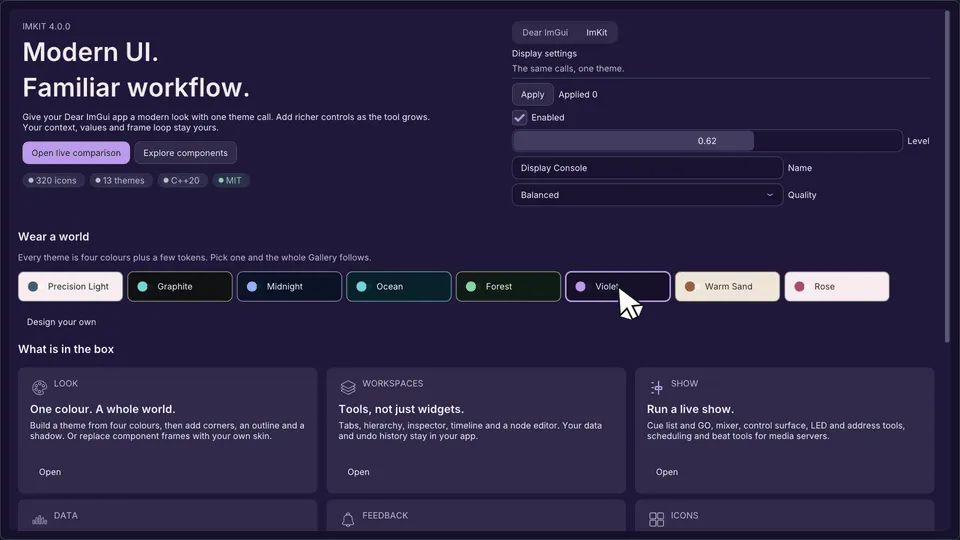
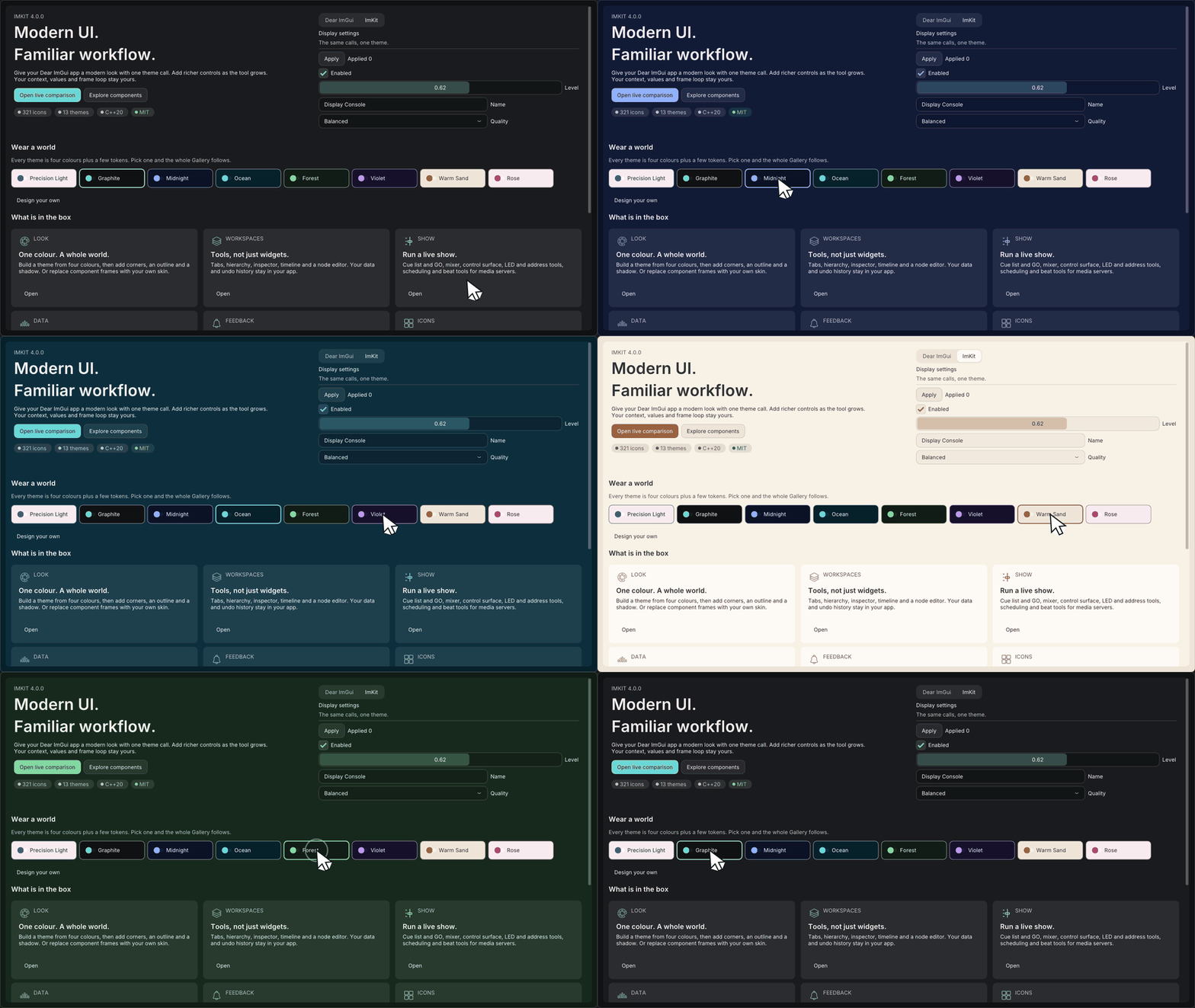
Themes — light and dark palettes · Open the native Gallery animation
Minimum drawing example
Section titled “Minimum drawing example”#include <imkit/theme.h>
imkit::Theme MakeForestTheme() { auto theme = imkit::MakeTheme(imkit::ThemePreset::Forest); imkit::SetAccent(theme, {0.20f, 0.62f, 0.46f, 1.0f}); return theme;}Example type: Complete function example. Keep the returned Theme value with the application, then apply it to a live context before NewFrame.
Integrate with the application
Section titled “Integrate with the application”Call ApplyTheme(theme, scale) on the active ImGui context before starting the frame. The host loads fonts into its own atlas and controls their lifetime.
Theme applies styling values; it does not create contexts, load OS fonts or guarantee contrast for arbitrary custom edits.
Related API and guides
Section titled “Related API and guides”Named presets
Section titled “Named presets”ThemePresets() returns thirteen entries in a stable display order. Each ThemePresetInfo contains an enum value, a stable lowercase ID for host persistence, an English display name and its Light/Dark scheme.
| Light | Dark |
|---|---|
| Precision Light, Warm Sand, Rose, Solar, High Contrast Light | Precision Dark, Graphite, Midnight, Ocean, Forest, Violet, High Contrast Dark, Slate |
auto theme = imkit::MakeTheme(imkit::ThemePreset::Forest);Persist the stable ID and resolve it without relying on enum order. Unknown and differently-cased IDs return std::nullopt, so the host can apply its own migration or fallback policy.
const auto preset = imkit::ThemePresetFromId(savedPresetId) .value_or(imkit::ThemePreset::Graphite);auto theme = imkit::MakeTheme(preset);MakePrecisionTheme(Light/Dark) remains source-compatible and produces the same Precision Light/Dark values.
Customization
Section titled “Customization”Precision Light, Precision Dark, Slate and the two high-contrast presets have hand-tuned palettes. The other eight (Graphite, Midnight, Ocean, Forest, Violet, Warm Sand, Rose and Solar) are each built by MakeBrandTheme from four colours: canvas, surface, text and accent. They are also examples of what a host can do with the same function; see Make your own look.
SetAccent updates accent, focus, contrasting on-accent text and selection. semantic, typography, radius, stroke, elevation and opacity are the source of truth; colors and metrics are projections that ResolveTheme rebuilds, so edits made directly to them are overwritten by the next ResolveTheme or SetDensity. Edit motion or editor fields explicitly when needed. Arbitrary edits are not automatically contrast-corrected.
Shipped presets validate normal text at 4.5:1 or better against canvas, surface, input and raised surfaces. Muted text validates at 3:1 or better. Accent and destructive foreground pairs validate at 4.5:1 or better.
Ownership and persistence
Section titled “Ownership and persistence”Theme is a copyable host-owned value. ImKit has no current-theme registry and writes no files. Store a preset ID or a complete customized value in the host’s own settings model, then reconstruct or reapply it explicitly.
For applications that consume a pinned Git submodule but also develop ImKit beside the host, expose a host-owned CMake cache path and pass either the submodule or that explicit path to add_subdirectory. Keep the override out of project files and release manifests; both routes must still set IMKIT_IMGUI_TARGET before adding ImKit.
Fonts in FontSet are non-owning. Load glyphs into the host atlas before the frame. ImKit does not discover OS fonts or provide IME callbacks.
Scale and scope
Section titled “Scale and scope”ApplyTheme(theme, scale) derives a fresh style from unscaled metrics, so repeated calls do not compound dimensions. ThemeScope restores the previous style and font on destruction and supports nesting on the same live context.
The shared application-scale contract is 50% through 250%, with 125% as the default. ThemeScaleMinimum, ThemeScaleDefault, and ThemeScaleMaximum expose those values to hosts. Omitting the scale argument from ApplyTheme or ThemeScope uses the 125% default; monitor DPI adaptation remains host-owned.