
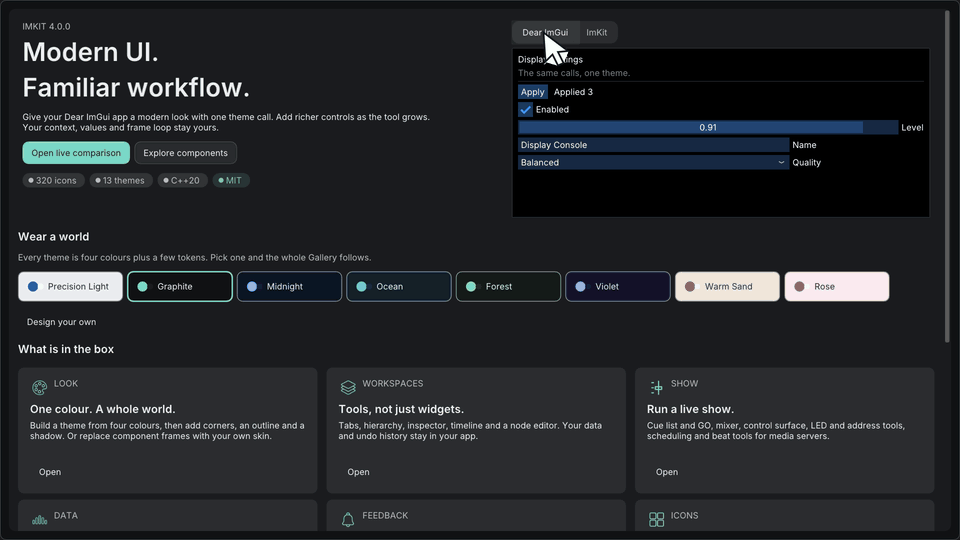
INPUT · FEEDBACK
Controls and themes
Add buttons, inputs, selection, feedback, and a theme to an existing settings view.
Start with the screen closest to your task. Each guide explains when to use the module, shows a small drawing example, and links its integration contract and API.
INPUT · FEEDBACK
Add buttons, inputs, selection, feedback, and a theme to an existing settings view.
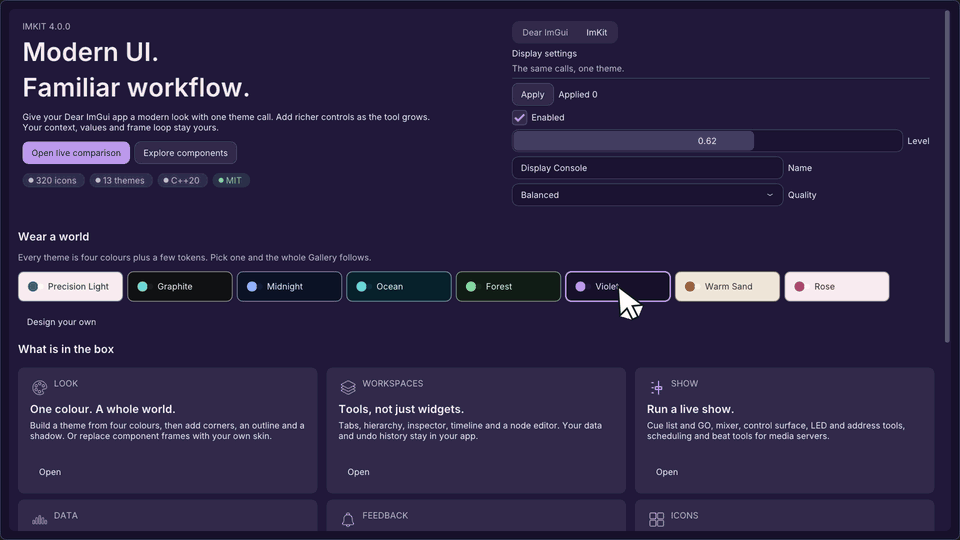
THEME · STYLE
Start from a preset and tune semantic colors and metrics for your application.
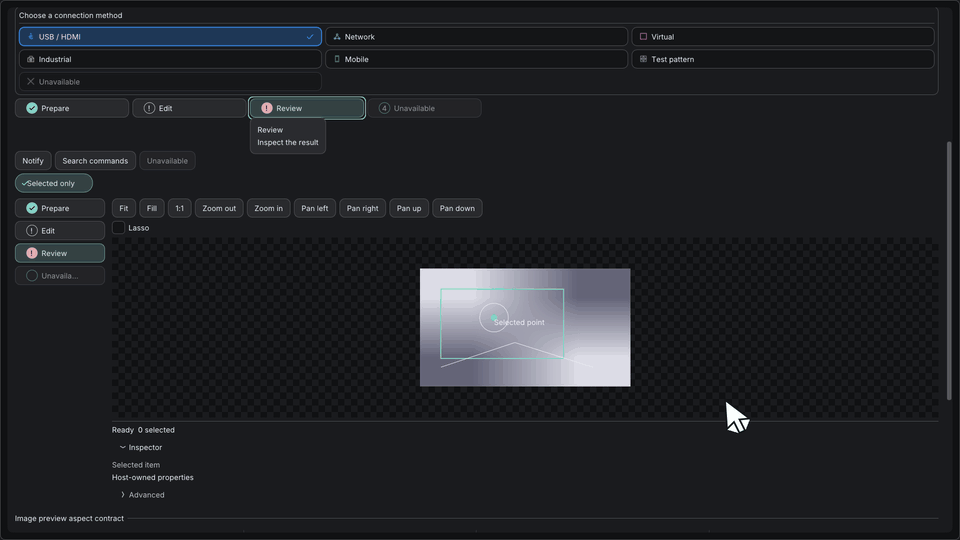
WORKFLOW · SHELL
Combine progress, empty states, notifications, navigation, and toolbars.
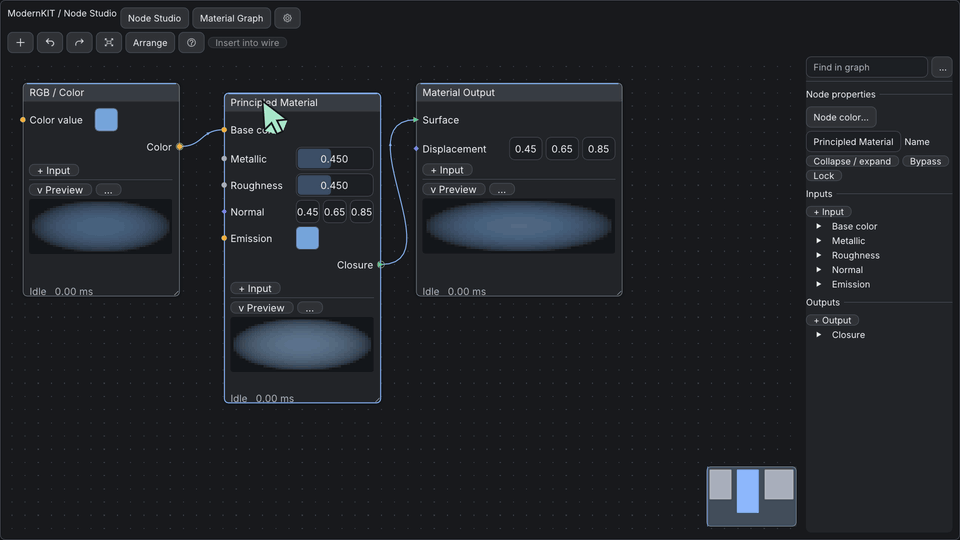
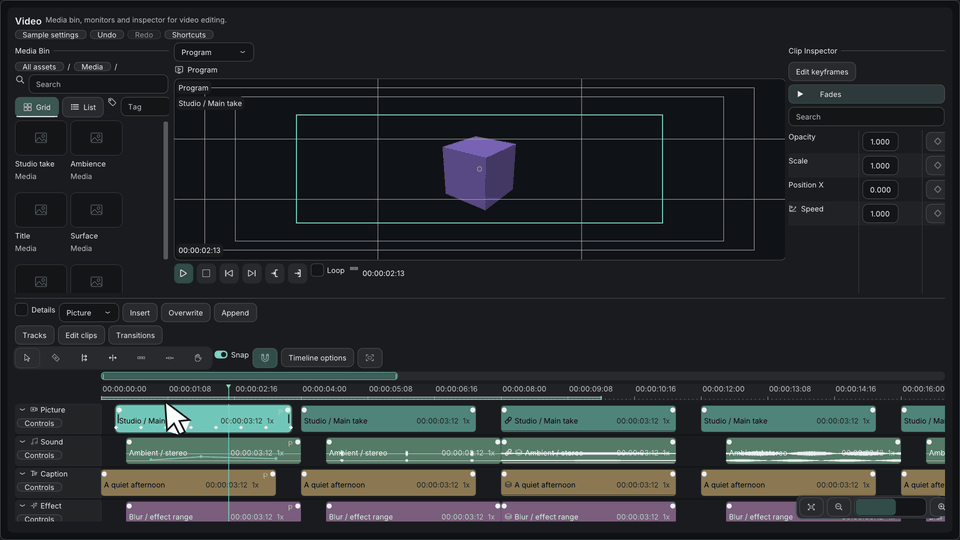
EDITOR SUITE · TIMELINE
Add selection, canvas, clip, and track editing surfaces over host data.
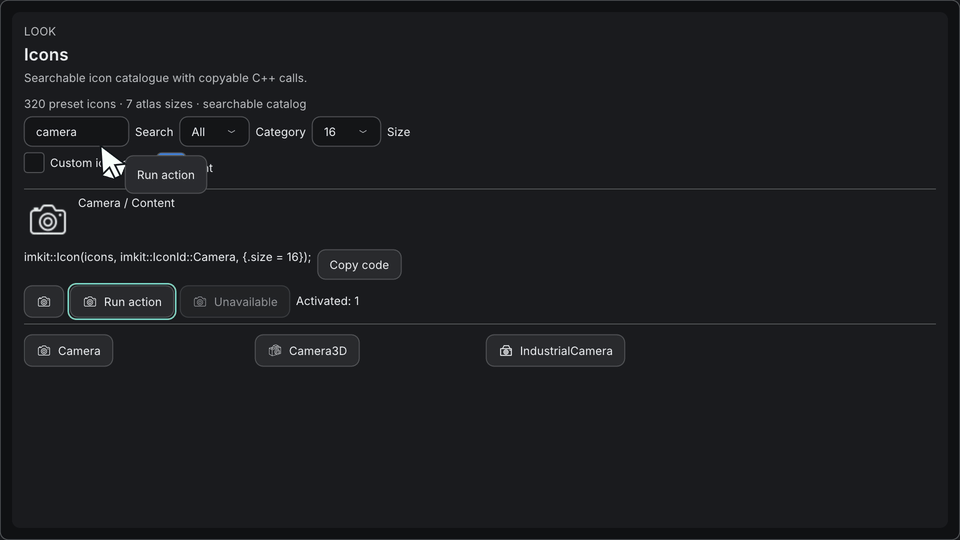
WINDOW · ICONS
Add a title area and common action icons while keeping native windows and GPU resources with the host.