
ImKit 4.0 film · About 3 minutes · Recorded in the Gallery · Music: "Laserpack" by Kevin MacLeod ft. DarkNES (CC BY 4.0)
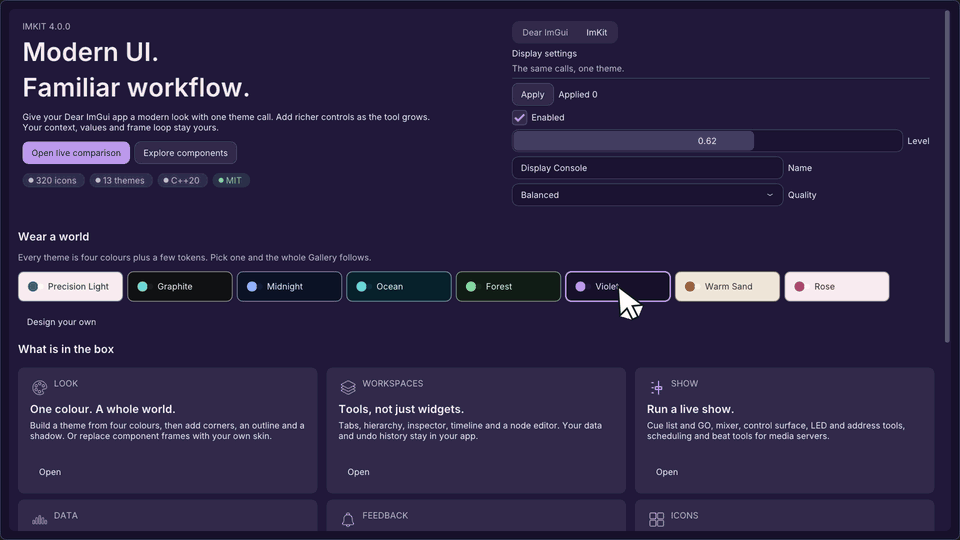
Modern UI.
Familiar workflow.
New in 4.0: make the look yours, reach the stage
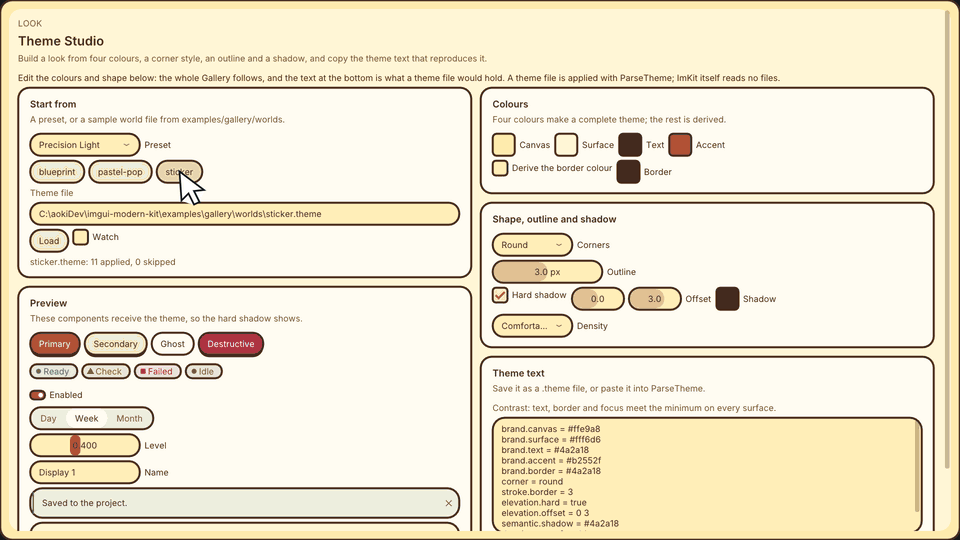
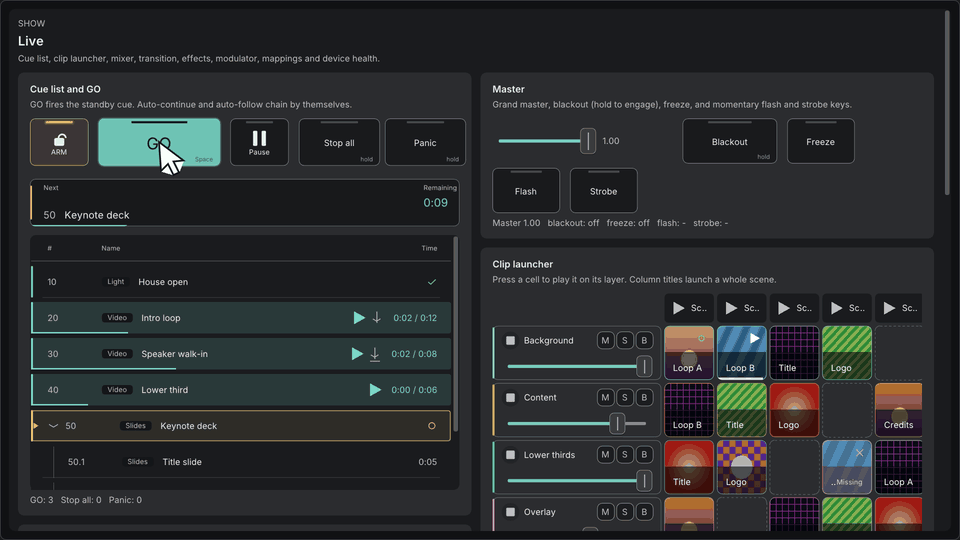
Section titled “New in 4.0: make the look yours, reach the stage”A refreshed default look, brand themes built from four colours, skins, charts, PTZ control, and the show module for media servers. Rebuild with the 4.0 headers: see the 4.0 additions and the migration guide.
The film above (about three minutes) shows these features in use.
Add it to your application
Section titled “Add it to your application”ImKit does not create a context, backend, renderer, or font atlas. Call the modules you need from your Dear ImGui application. Controls work with host values; editor surfaces borrow views and return bounded requests.
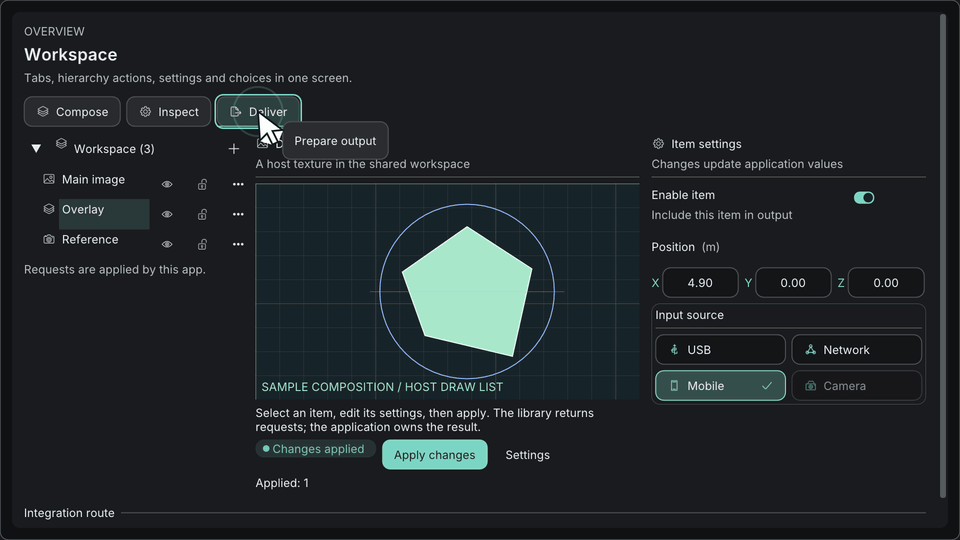
Select Theme, Workflow, Editor Suite, Node Editor or Show as separate targets.
Controls work with host values. Editor surfaces borrow views and return bounded requests; the model stays with the host.
Combine public widgets with ordinary ImGui input in the frame your host begins.
See it move
Section titled “See it move”These takes were recorded from the ImKit Gallery. Each starts on a still frame and loads the original capture only when you choose to play it.
Choose a starting point
Section titled “Choose a starting point”Baseline: C++20 and a pinned Dear ImGui docking revision. See Getting started for package platforms and ABI requirements.